XBB SMART BUTTON
Description
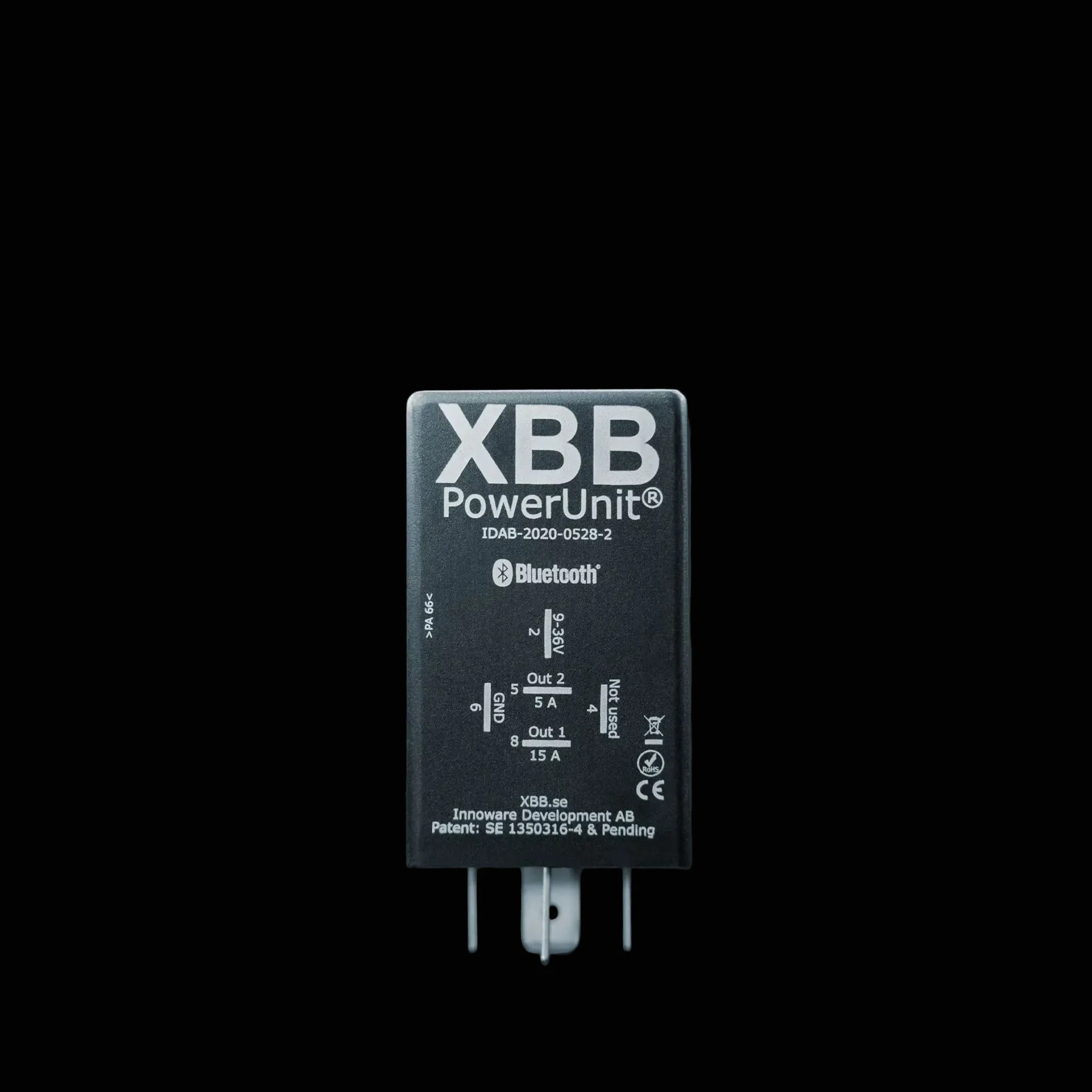
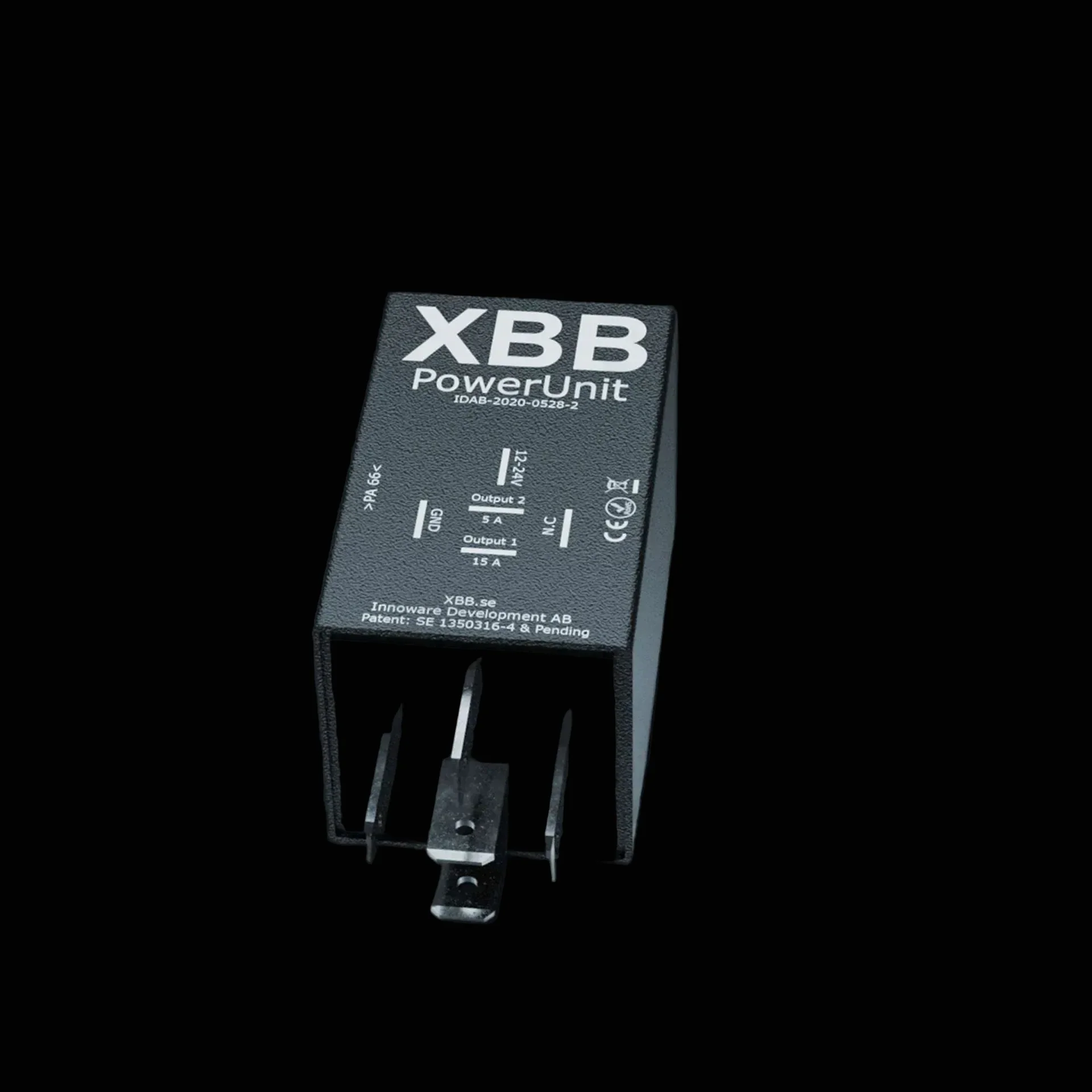
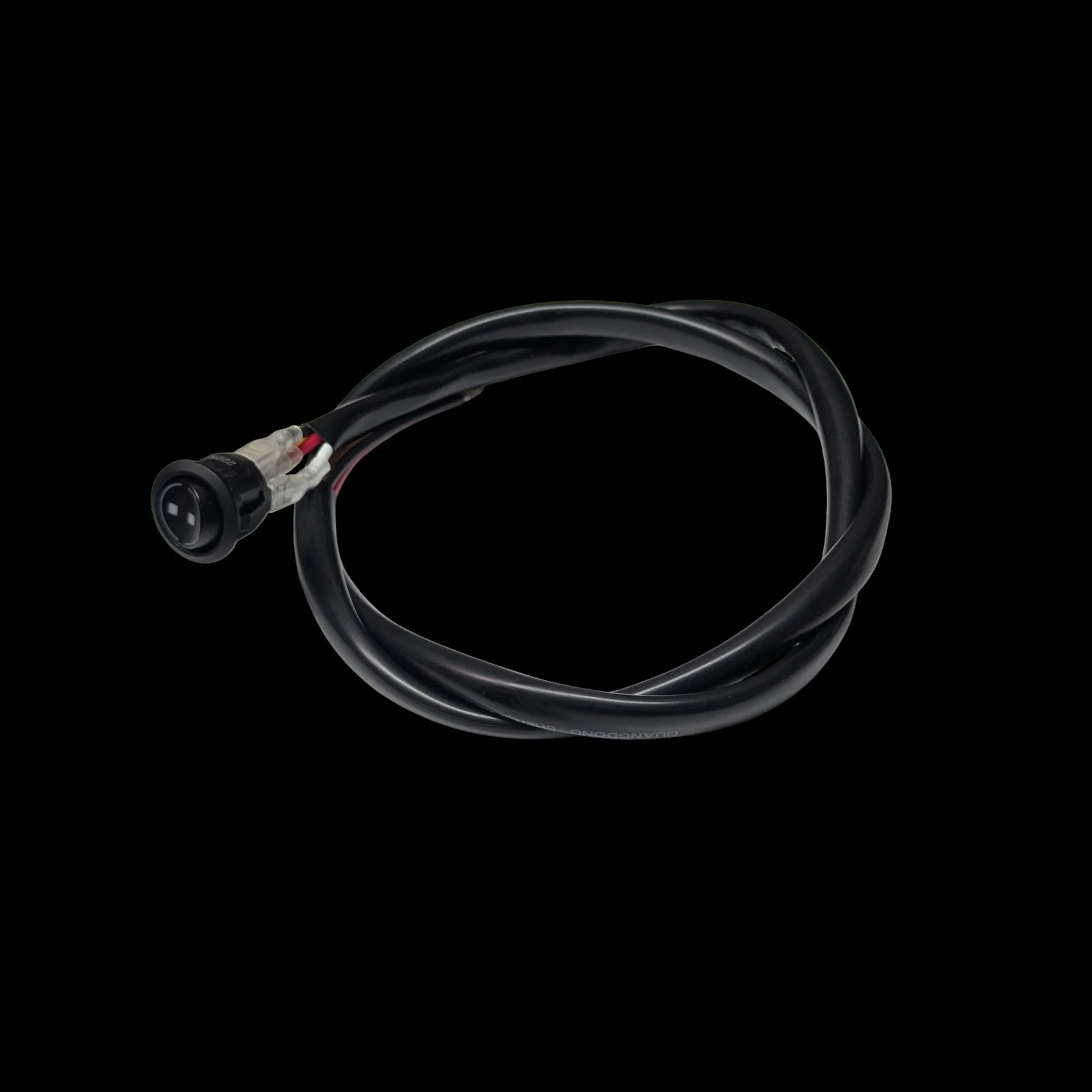
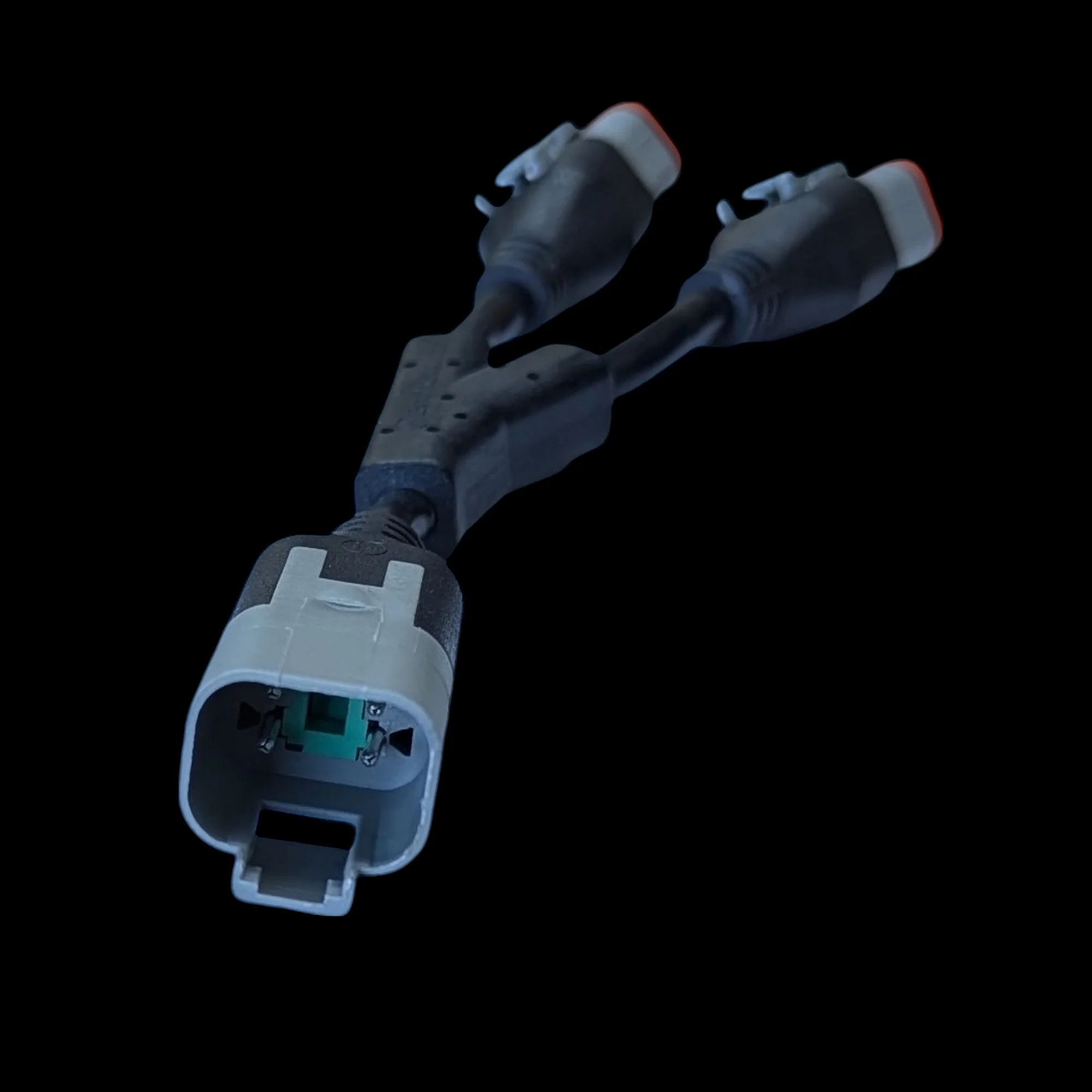
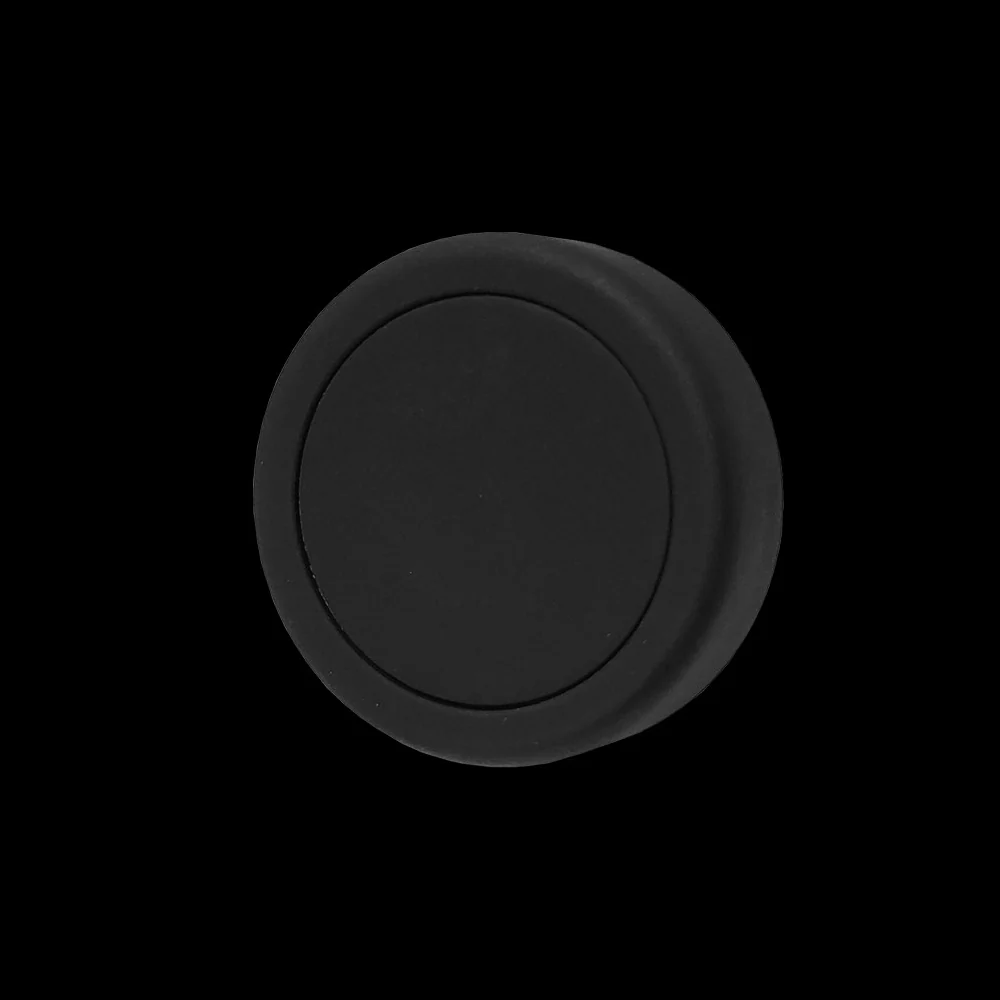
The XBB Smart Button is a convenient wireless remote control for auxiliary lighting, compatible with the XBB Dongle & PowerUnit switching relay. Smart Button allows the additional light to be switched on and off at the touch of a button, this means it works practically like a wireless switch. The Smart button can be attached anywhere in the vehicle, or it can be stored in a pocket, so that the auxiliary lights can also be switched on or off from outside the vehicle (when the vehicle is switched on). The Smart Button communicates with the XBB dongle wirelessly via Bluetooth, so there is no need to install additional switches in the car! The button can be used to control both (1 and 2) outputs of the XBB PowerUnit relay.
The Smart button can also be programmed so that a press of the button turns on the auxiliary light even if the vehicle's own high beams do not turn on. Alternatively, the auxiliary light can also be switched off with the button, even if the car's own high beams are still on. The remote can be set up via the XBB Configurator mobile app. The application can be downloaded from either the Google Play Store or the Apple App Store.
Note! XBB Smart Button only works with XBB Dongle & PowerUnit relay, which means it cannot be connected to other devices.
Technical specification
- Brand and model: Wireless remote control XBB Smart Button
- Area of use: Wireless remote control that controls additional lighting
- Compatible with XBB Dongle
- Dimensions: 25 x 10 mm (Diameter x Depth)
- Other: 6 different labels included
Quick guide
Download the XBB Configurator mobile app and then open the app. Connect your phone to the XBB dongle, select the PowerUnit in the app and click the + button and then the "Add new XBB button" button. After this, the dongle starts searching for new devices. Press the XBB Smart button, after which it will appear in the search results of the mobile application. Program the desired function through the application.
NON RETURNABLE, NON REFUNDABLE
XBB offers us no support here in North America so the forums are your friend on this item.
Please see the XBB website for more details: https://www.xbb.se/sv_se/xbb-smart-button/
Product Information
Product Information
Shipping & Returns
Shipping & Returns
Description
Description
The XBB Smart Button is a convenient wireless remote control for auxiliary lighting, compatible with the XBB Dongle & PowerUnit switching relay. Smart Button allows the additional light to be switched on and off at the touch of a button, this means it works practically like a wireless switch. The Smart button can be attached anywhere in the vehicle, or it can be stored in a pocket, so that the auxiliary lights can also be switched on or off from outside the vehicle (when the vehicle is switched on). The Smart Button communicates with the XBB dongle wirelessly via Bluetooth, so there is no need to install additional switches in the car! The button can be used to control both (1 and 2) outputs of the XBB PowerUnit relay.
The Smart button can also be programmed so that a press of the button turns on the auxiliary light even if the vehicle's own high beams do not turn on. Alternatively, the auxiliary light can also be switched off with the button, even if the car's own high beams are still on. The remote can be set up via the XBB Configurator mobile app. The application can be downloaded from either the Google Play Store or the Apple App Store.
Note! XBB Smart Button only works with XBB Dongle & PowerUnit relay, which means it cannot be connected to other devices.
Technical specification
- Brand and model: Wireless remote control XBB Smart Button
- Area of use: Wireless remote control that controls additional lighting
- Compatible with XBB Dongle
- Dimensions: 25 x 10 mm (Diameter x Depth)
- Other: 6 different labels included
Quick guide
Download the XBB Configurator mobile app and then open the app. Connect your phone to the XBB dongle, select the PowerUnit in the app and click the + button and then the "Add new XBB button" button. After this, the dongle starts searching for new devices. Press the XBB Smart button, after which it will appear in the search results of the mobile application. Program the desired function through the application.
NON RETURNABLE, NON REFUNDABLE
XBB offers us no support here in North America so the forums are your friend on this item.
Please see the XBB website for more details: https://www.xbb.se/sv_se/xbb-smart-button/